Choosing the right typography sets the mood for your entire project. When you use pixel retro shadow fonts for headers, you instantly bring a nostalgic, 8-bit arcade vibe to your design. The added depth from the drop shadow keeps the blocky letters readable against busy backgrounds, making them perfect for hero sections, gaming blogs, or retro-themed event flyers.
What makes a pixel font work well in a header?
A good 8-bit typeface relies on a strict grid, which can sometimes make the text look flat or blend into the background. Adding a hard, unblurred drop shadow creates immediate contrast. This technique mimics the way text was rendered on old CRT monitors. If you need inspiration for picking the right blocky typefaces with depth for your titles, checking out dedicated retro design galleries can help you see how letter spacing affects overall readability.
When should you use arcade-style typography?
These styles fit best when your content revolves around gaming, nostalgia, or pop culture. A retro gaming news site or a synthwave music playlist cover benefits heavily from this look. For example, a font like Press Start 2P works beautifully for short, punchy titles. Just remember that highly stylized text is hard to read in long paragraphs, so restrict it strictly to your main titles and banners.
How do you keep 8-bit headers readable on a website?
The biggest mistake designers make with pixelated text is making it too small or using soft, blurred shadows. Pixel fonts need to be scaled in whole numbers, like 16px, 32px, or 64px, to prevent anti-aliasing from blurring the sharp edges. The shadow should also be a solid color, usually black or a darker shade of the main text color, offset by just a few pixels. You can learn a lot about maintaining crisp edges by studying how classic arcade cabinet graphics handle text contrast on bright, noisy backgrounds.
To ensure your chosen typeface renders correctly across browsers, you can test how Silkscreen performs on different devices before committing to a final design. Pairing your main header with a clean body font like Pixelify Sans for subheadings can also bridge the gap between retro style and modern readability.
What are common mistakes to avoid with retro gaming fonts?
It is easy to get carried away with the aesthetic. One frequent error is using these heavily styled fonts for body copy. Keep your paragraphs in a clean, readable sans-serif font. Another issue is poor color contrast. Bright neon text with a dark shadow looks great on a dark background, but fails completely on a white page. When exploring typefaces that mimic retro video games, always test your color combinations on both desktop and mobile screens to ensure the shadows do not muddy the letterforms.
Quick checklist for your next header design
- Scale your pixel font in multiples of its base grid (e.g., 8px, 16px, 32px) to keep edges sharp and prevent browser blurring.
- Use a hard, unblurred drop shadow to maintain the blocky, retro aesthetic.
- Limit the stylized font to main titles and use a simple sans-serif for body text.
- Check your color contrast ratios to ensure the text remains accessible to all readers.
- Test your header on mobile devices to ensure the shadow does not merge with the letters at smaller sizes.
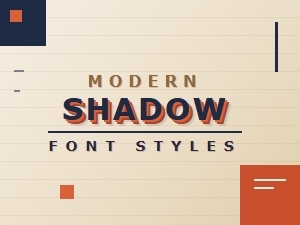 Retro Shadows Meet Modern Font Styles
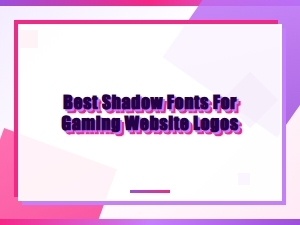 Unleash Pixel Power with Retro Shadow Fonts
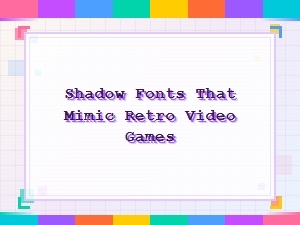 Retro Video Game Shadow Font Design
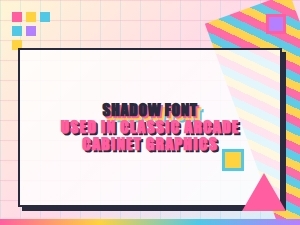 Elegant Arcade Shadows in Classic Pixel Fonts
 Serene Scripts for Elegant Logo Watermarks
 The Subtle Art of Luxury Packaging Fonts